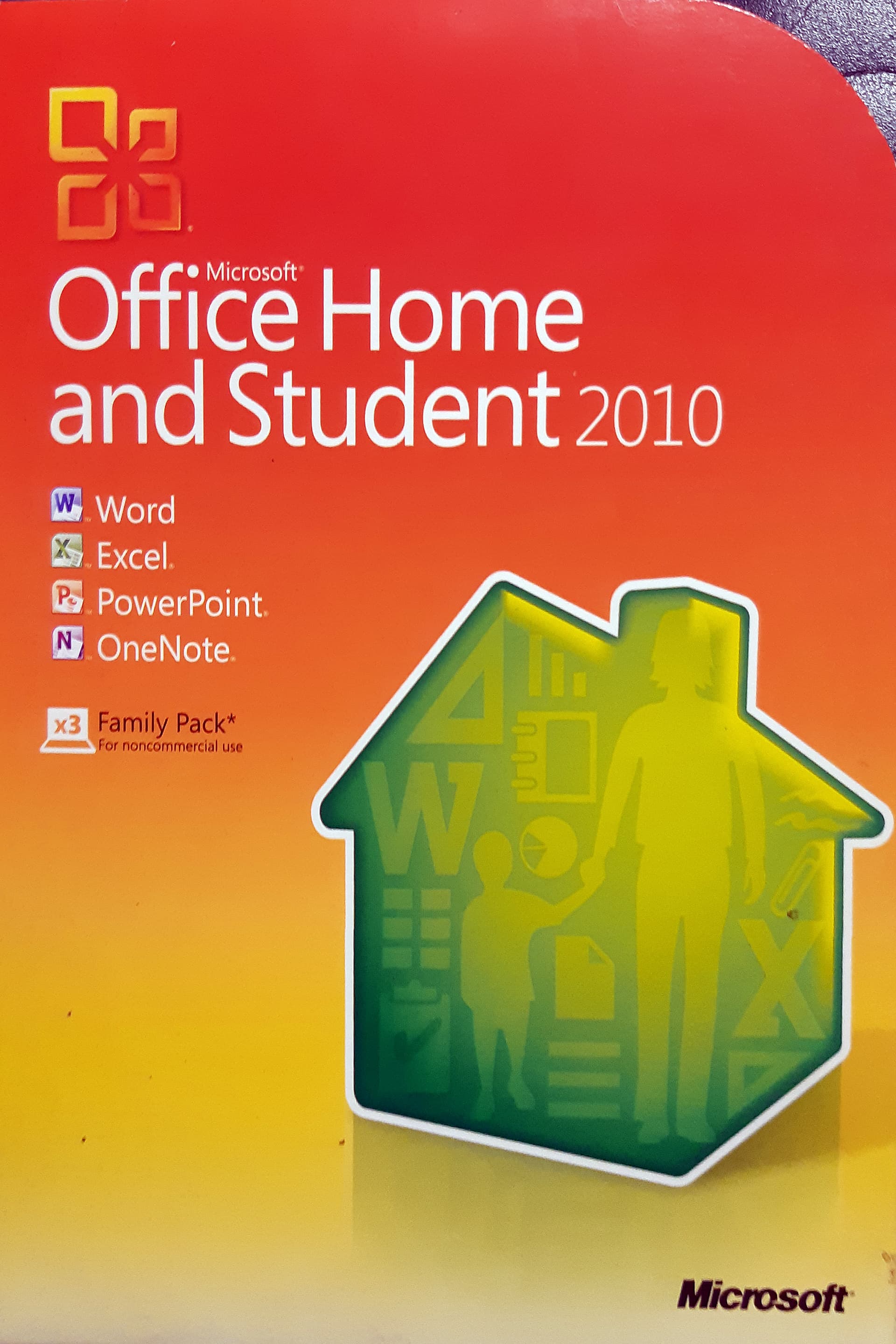
This is certainly a viable alternative if you are on Mac rather than PC - I still have MS Office just for 100% compatibility as clients often send me Office docs, but these days the Apple programs pretty much read and write Microsoft formats seamlessly.
For example at our local business networking group I’ve normally got my MacBook Air hooked up to the projector since I always show some photographs at the meeting; if another member needs to show a Powerpoint presentation I just copy it across and open in it Keynote and it works fine, with the exception of the occasional missing font if they’ve used something wacky.
But if you have a Mac and don’t need to be 100% Microsoft for business reasons then using Pages, Numbers and Keynote is a zero-cost option.
This is an interesting view on MS stuffing its “AI” down users’ throats. It’s from the MS Office help site. It’s from last November and there are many others like it.
"I (not an IT person, just a normal user) and others have had to revert the Office 365 build today to a prior version, then turn off updates in Office365, as there is no way to toggle it off. Microsoft Support today didn’t have a solution.
I’m a PhD student 5 weeks out from submitting my thesis, and AI use is an automatic fail, so having it forced with no option to toggle off is putting 4 years of my life at risk plus my family’s support and financial sacrifice for those years. That crazy in-line copilot prompt is a problem - it’s not just distracting, all it would take is a sleep-deprived click of the mouse in the wrong spot at 4am and the thesis is at risk.
When even regedit or group permissions alterations aren’t working either to remove copilot from Word, I needed to figure out how to do a software reversion for the first time in my life.
Microsoft, we NEED to have the option to toggle Copilot on and off. Uni students get reported for academic misconduct for using AI in assignments for non-AI subjects where they are required to use critical thinking. Universities are working toward incorporating AI but not all subjects are suited for AI integration… an option to toggle on/off would be great."
" this does not work. why does microsoft keep posting the same answer? i’ve done it all. all of it. i’ve turned off ‘connected experiences’ and still the stupid unwanted unasked for ‘copilot’ is there in word. doesn’t matter about restarts or reinstalling or anything.
you’ve created an intellectually vacuous product that should be optional if someone needs AI to write something for them. every thinking person, writer, student, lecturer, poet, artist, person who wants to journal or write their own thoughts should not have to keep asking for detailed instructions to disable the damn thing that they didn’t want.
if you genuinely were responsive to feedback you’d add in a disable button. but you don’t. you just keep posting the same rubbish responses that do not work. imagine any other service - you go to a dr or a lawyer or buy an ice-cream and it’s not what you purchased. they they try to charge you more to solve the issue, or otherwise provide pages of meaningless instructions about how you can do something yourself, or wind back a version of the advice provided or the product bought. perhaps you could try to separate the cream and the eggs or the wheat from the other ingredients to make a cone. sound like madness and an impossibility? it is. just like what you’ve created.
i note ironically that the damn co-pilot doesn’t come on when i’m typing this response. why? because you don’t want to use your own AI algorithm of complaints - they must be endless based on these comments alone in this forum, to say nothing of other forums.
so, will you create a disable feature or failing that, withdraw the upgrade and ask people to opt-in if they want it?
otherwise, how can I and hundreds of thousands of other people disable this unwanted dumb ‘feature’ that you have imposed on us? and please for the love of god don’t just reply with the same useless unhelpful info that does not resolve this mess you’ve created."
I stopped auto updates on a MS version soon after they stated updates were now non-optional by simply renaming the sub-directory I worked out MS was using to store files it used to update.
A few error messages about [unwanted or premature] MS update failed but no harm came to me.
Taking most updates when released especially MS updates is always premature as so many have bugs in or require things like driver updates they forgot to provide.
When I had a portfolio of businesses whose platform I was responsible for life was a lot easier for everyone when I gave them all a choice to let the 2 software houses take all updates firat, test out all the bugs, and wait for a later or very later release before taking any update.
Microsoft’s implementation of their “AI” in Office is all over the place. Word and Excel on my MacBook have a button to turn Copilot off, the same release (Version 16.94 (25020927)) of Word and Excel on my iMac don’t
On the MS help site the advice to turn it off has workarounds (use privacy settings) and states “we are working hard” to bring “off buttons” to other applications. They obviously had no intention of letting users turn the rubbish off which has been blown out of the eater by users, and they are forcing a 30% hike in MS365 for something users do not want to try to cover the cost of the misguided and unwanted “investment” in this chimera. Monopolistic arrogance.
Their decision to force updates in Windows 11 annoyed me. Then they really pissed me off by moving OneDrive files into a group container in the MacOs Library, only leaving links in my designated OneDrive folder. I want my files where I put them, not where some third party application decides to put them. All too high handed by half.
Update: Now the Copilot “off button” has appeared overnight in the iMac versions of Word and Excel. How can that be? How can they update/reconfigure themselves without my permission? MS obviously have undisclosed reach into their Office applications, an invasion of privacy that is going unnoticed. I’m not having this.
Time to bale out My renewal date is mid July so I’ll start using Pages, Numbers and iCloud to replace Onedrive until then, and if it goes OK dump MS365. Hopefully many other MS365 users will move to open OpenOffice or the like.
Even way back in my mainframe system programming days I never installed OS update packages. I would only install selected updates that rectified a specific problem. Others, following the manufactures guidelines, would install the whole package and spend the next three months debugging it, just in time for the next package
Unfortunately I think this is a sign of things to come. People who want to continue using their own intelligence and shun AI will increasingly be treated like nuisances by the big corps. I suppose the aim is that eventually there will be no individuality of thought left. Already I sometimes read posts on perfectly normal forums and there is something about it that makes me ask myself whether it was written by AI. I find it scary.
I was most unamused when it appeared on my phone, unasked and uninvited - don’t know if Google snuck it on or M$ - but the only M$ app I have is the authenticator.
I had MS365 on my Android tablet - during an update it got overwritten with a version including Copilot AI that you can’t turn off. Not only that, it also updated the MS keyboard app with Copilot, which I now can not uninstall (at least not through the usual uninstall method on an Android UI.)
It is bad enough with Google’s Gemini intruding in the way I do things, but so far at least, I can turn it off!
Presumably if you revert your subscription to Classic in order to avoid paying the extra, Copilot will disappear of its own accord at renewal. That is what I am hoping.
I’m on a business subscription, and it doesn’t look like I have a choice. For now, I’ve removed the MS365 app completely from the tablet, but the MS SwiftUI keyboard app seems to have managed to ensconce itself in the system. Fortunately, I have installed a different FOSS keyboard app without any tracking or AI-crud, but I would like to get rid of the MS deadweight that I’m not using.
As posted previously, I’m finding my ancient ‘Student’ version of Word still completely adequate for professional academic writing, I no longer need higher resolution PowerPoint and I’m quite content with my elderly bargain basement version of Office that’s been on a flash drive for many years now.
I’m using office 2016 and it’s still good and relevant.
Re W7 etc, I’ve seen a notable performance boost with the later versions of W8 over 7 and the earlier versions of 8 that were based on 7, and again boosts moving to 10 and a small one going up to 11 (I can hear Nigel Tufnel in the background). Applications and files open faster and saving seems quicker.
TBH I loathed W7 as slow, clumsy and bloated. XP had been a decent OS, but after that I’d gone to Linux as my main OS, and 7 was horrible by comparison.
I have a Microsoft Office 2010 license as well, and it’s installed on my PC, but I actually use LibreOffice instead as I prefer it. I find the Microsoft Ribbon interface a bit crap.


 My renewal date is mid July so I’ll start using Pages, Numbers and iCloud to replace Onedrive until then, and if it goes OK dump MS365. Hopefully many other MS365 users will move to open OpenOffice or the like.
 ) to kicking the MS habit apart from it.