Yes, it’s the light show itself that’s copyrighted, rather than the tower.
Photographing buildings for stock library purposes can be tricky as some architects see that as an infringement of their copyright. While I am all for protecting intellectual property, that’s a bit silly really as the photographer is not making a physical replica of the building. But they see it as “making money off my work” I assume.
The tower or images thereof were subject to copyright until 1993 - Eiffel having died in 1923; sorry, my error, it’s 70 years after the creator’s death, not 75.
However, the light show was created in 1985 by Pierre Bideau, who is still alive.
Believe me he will have been aware. We were talking about the reproduction of copies of old masters and he was simply pointing out that being a first rate copyist didn’t mean you had the knowledge and vision to create original work of a similar standard.
I always say that the great thing about this place is there is someone (at least one) who absolutely knows what’s being discussed inside and out, every day is a school day on here! As both a very keen art collector (post 1960, so probably not a lot of people’s cup of tea) and someone who deals with IP and IP law all day every day, I should be vaguely knowledgable but I’m really enjoying just sitting back and learning from @ChrisMann@DrMarkH, thanks chaps!
Part of my learning curve with Affinity photo has concentrated on improving one photo. Way back in July I photographed a friend in a sunflower field. She wanted the photo for an illustration for a book. By chance we drove past a lovely field of sunflowers late one evening. We stopped and I took a few photos using my phone. It was badly orientated for what we needed and none of the photos stood out. The pre-sunset sun in the background was a problem and the last rays of sunlight on her hair often put her face in a shadow. When I got the new software I decided to try to improve one of the photos as part of my learning process. First of all I adjusted the exposure and brightness of the photo and refined it a bit more by changing the vibrancy and contrast. The foreground looked much, much better but the washed out overexposed sky was beyond help… so I changed it. What a transformation. I then moved onto another photo where one of the leaves was obscuring her lower face. I used the in painting and blemish tools to remove the leaf and ‘rebuild’ her face. The photo looked much better so I changed its overexposed sky for another better exposed one. The end result was not bad but her face was still too much in the shadow. I then did a crash course in using basic mask layers to brighten up the face without changing the exposure or vibrancy of the rest of the photo.
I know that for me it’s always been easier to use a new software package when I have a real life use for it. I find the new skills easier to learn when there is a purpose. Improving these photos is a big help. I will continue learning using the various YouTube courses that I like but I will be using my own photo collection to practise my new found skills. I’m sure I will be making other adjustments to the sunflower photos in the weeks and months to come. On small detail that I’m sure will not be unique to me is that I’m not saving the manipulated photos in my Apple photo album and overwriting the actual photo. The old flawed photos remain in place, the changed images are stored in another folder on another drive.
I should have put a smiley face on my previous post. I watched a film about Disney recently and that explained how he was keen to hold onto the rights to Mickey for as long as possible.
I realise it was a spur of the moment grab shot, and you may know this technique already - but next time, rather than fixing it in post, use a camera with a flash.
Most cameras and flashes have a TTL mode which will automatically balance the flash light on the subject with the background exposure.
TIP: don’t use “program” mode on the camera for this, instead use aperture priority. On many cameras, if you use flash in Program mode the camera assumes you want the flash to be the main illumination for the photo rather than a subtle fill-in, and will overcook it.
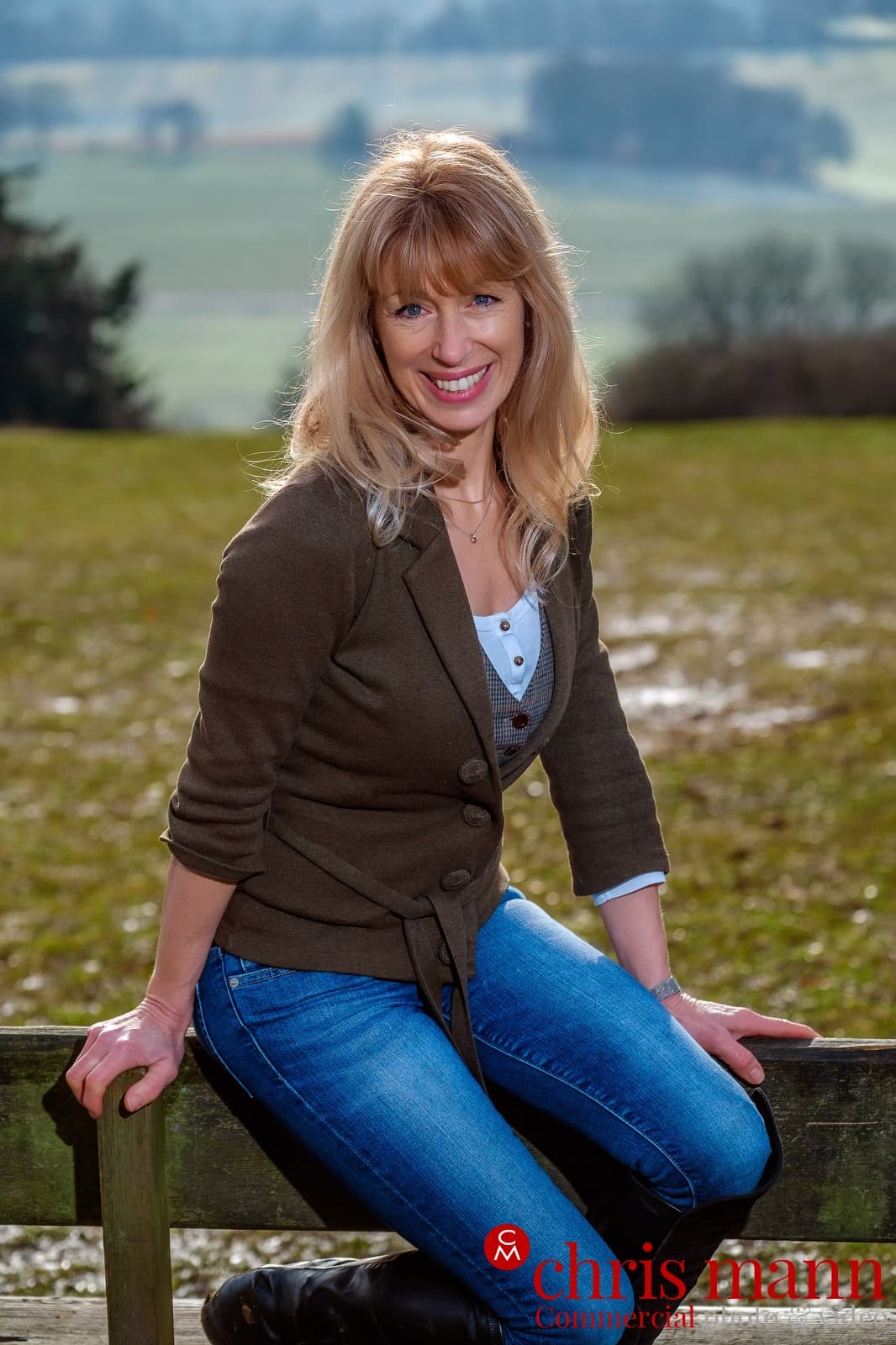
Here’s an example of backlighting (sunlight) with fill flash:
My phone which was all I had won’t allow me to override its decision to not to use the flash. Had I had my Canon EOS I would have had a lot more control. The phone actually copes with most strange light conditions very well. It is particularly good in low light. I used to travel with a nice Olympus compact camera and often took photos with both it and my phone of the same subjects. As most of the time the photos on the phone were ‘better’ I now only take only the phone.
It might be worth downloading a different camera app for your phone - both the standard app and BlackCam (for mono photography) on mine will allow a ‘force flash’ setting.
It really isn’t an issue. I have several other cameras if I really need. It always amazes me how good it is in low light conditions, I took some photos a couple of days ago inside a barn with the doors closed and the flash free photos were great.
I can’t speak for Sue, but for many of us, I think we see something when we’re out with our cameras, then work on it later when we get home. As someone who used to print their own pictures, the negative was very much the starting point rather than the final destination, and I’d dodge & burn, use filters under the enlarger etc, though I wouldn’t generally mask. So it is with the digital image, and the RAW file is just the starting point.
Where I can, I’ll use Lightroom or On1 Photoraw. Lightroom has recently got some really effective AI erasing tools that seem genuinely able to intelligently erase objects, though still not 100% of the time. In the past I’ve also used GIMP for things like canvas expansion, cloning tools & so on.
Sue’s picture reminded me of this one - a crowded beach at Weston S M - where I cloned out the crowds. It looks a bit crunchy like this, and might stand some re-processing now.
In general, I find my most pleasing photos are scenes that I’ve happened upon, rather than images that I have carefully created through intent. Some photographers want to slow down and work gradually, but that’s not for me.
Can’t tell what you’ve output it on, but looks like it would benefit from a paper that mimicked the retro look of an analogue print, possibly even a cyanotype.
Interesting how long established hand-made paper companies, like Arches, and Hahnemühle , that for historical reasons (former fine art print-maker) I tend to think of as very traditional, have moved into coated stock for hi-end/archival digital printing.
I suspect it’s a need to stay in business. There’s probably not enough ‘art’ trade any more to support the business, and they need to be at the front rather than at the back of what’s current. I’ve known of Hahnemühle for a long time but never heard of Arches. It’s also been a long time since I had anything printed on a traditional photographic paper.
I think you’d be surprised cos the art world certainly hasn’t shrunk, but these companies have decades and even centuries of experience of specialist fine paper making and archival quality digital printing was probably just another opportunity.
However, I suspect comparatively few amateur photographers use this sort of paper, whereas for watercolourists, both amateur and pro it’s essential.
Arches are the main artists’ papers in France, like Fabriano in Italy and Hahnemuhle in Germany.
Traditionally their papers were for watercolourists, etchers and lithographers, yet twenty-five years ago, I was outputting large pigment based digital Quad Black images (as discussed previously) onto Arches paper. Ten years before that I was editioning screen-prints on large (double-elephant?) sized sheets of Arches noire, a beautiful black handmade paper that was eye wateringly expensive (about £5 a sheet in 1990!)
One of several reasons why I stopped making fine art prints was that the craft of artmakingwas getting in the way of the actual art making; nevertheless fine paper is still very seductive stuff.