Your device, phone, pad etc, will remember passwords for you if you want it to. I do all the time as I genuinely forget them shortly after creating them.
Sorry I’ve not been much help with your cloud problem David.
Please don’t worry, not being much help myself. I’d like to dump icloud, although it has been amazingly easy 'till now, and concentrate on transferring photos directly.
@Wozza My other phone, the one I use to talk to people on and text, doesn’t have a password, well if it has it must be years since I needed it.
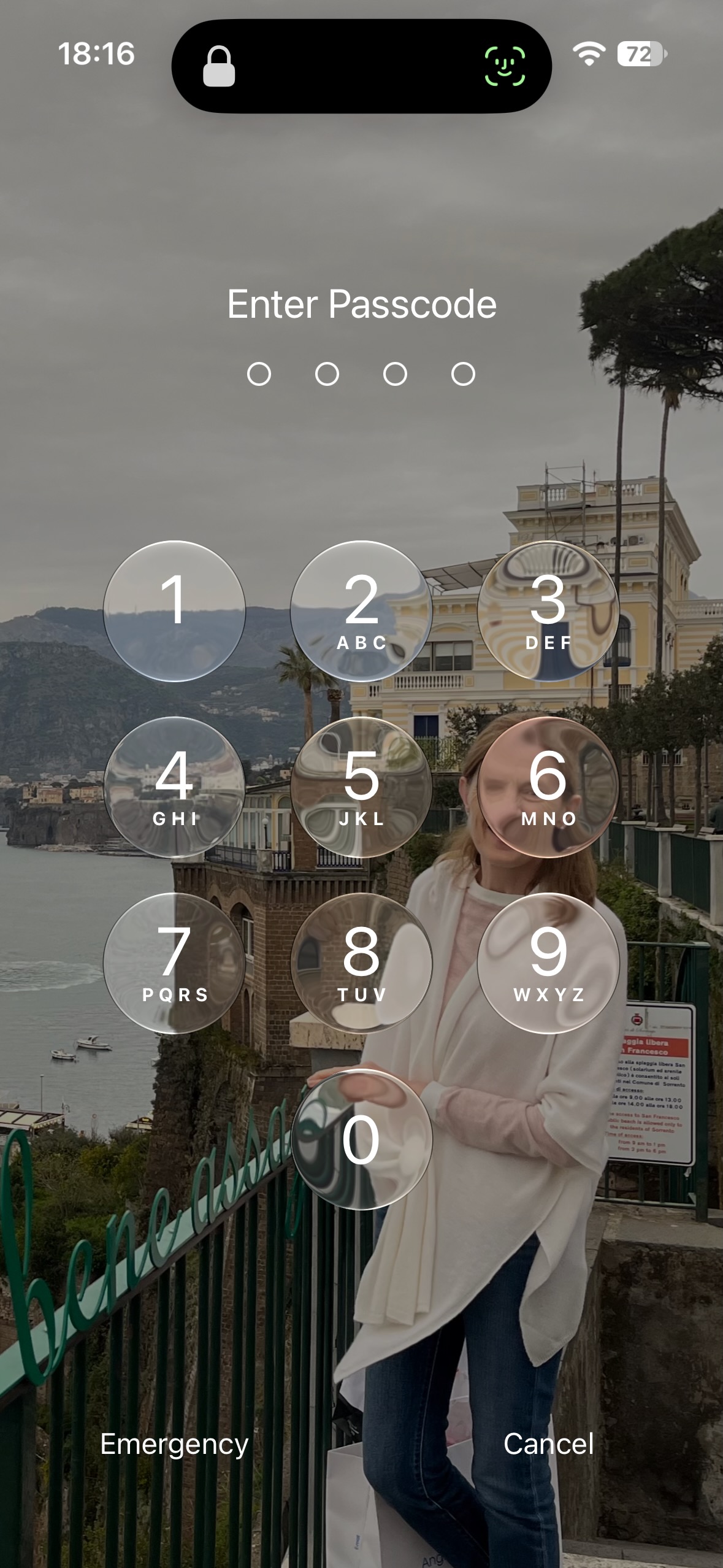
I think you are confusing what is a password and what is not David. What you type into your phone to access is not a password… it is a passcode. It has no relevance to iCloud, it is only used to access your phone or to perform device relevant actions update the OS for example or modify protected settings. The age of the phone, or indeed the level of IOS shouldn’t impact your use of iCloud at all.
Passcode…
You access iCloud on the phone from Settings, the little Grey box with a gearwheel in it. The top item in this will be your Apple Account, if not you logged out of you account and must log in with your AppleID password. If it shows you are logged in then tap on you name and you will see this…
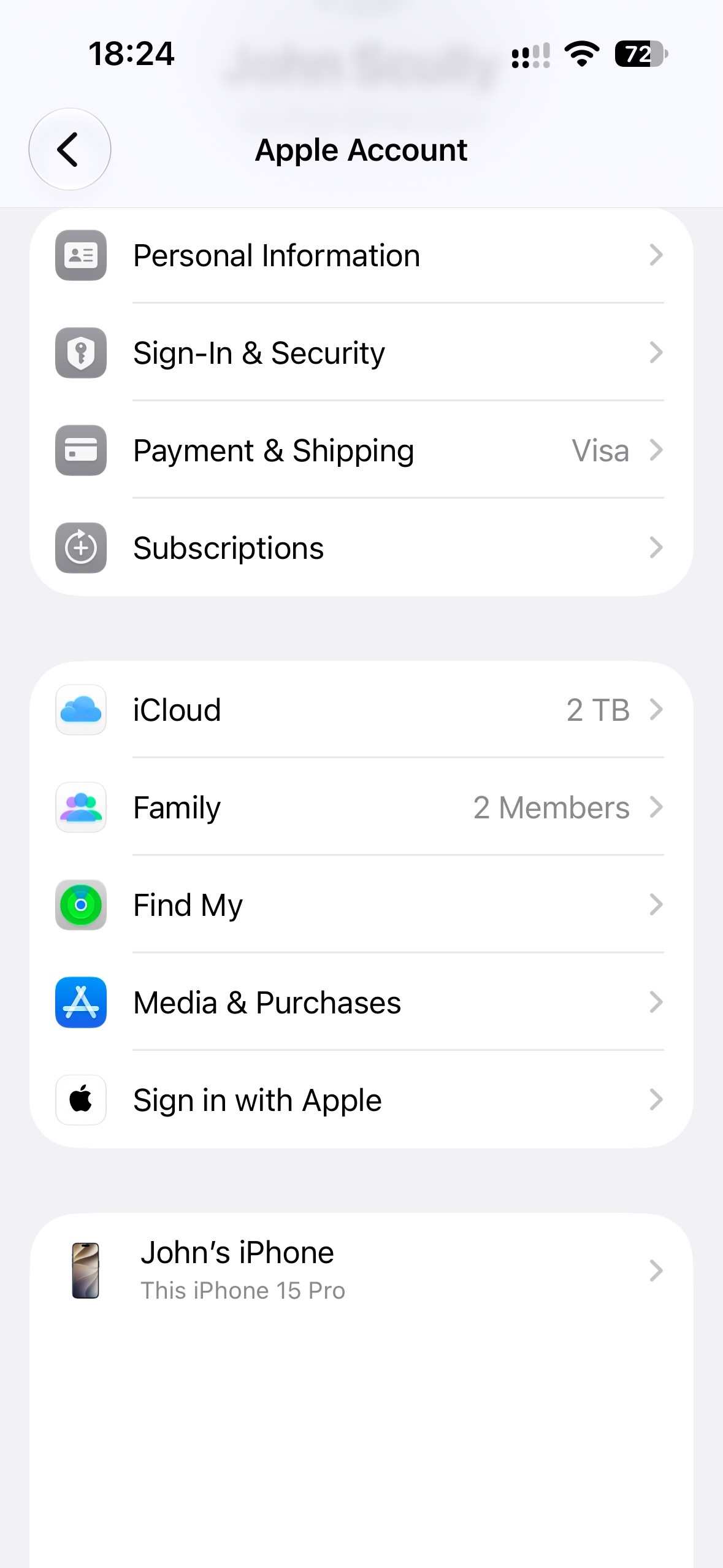
Though with your phones name rather than John’s iPhone.
Then tap on iCloud…
And you will see something like this…
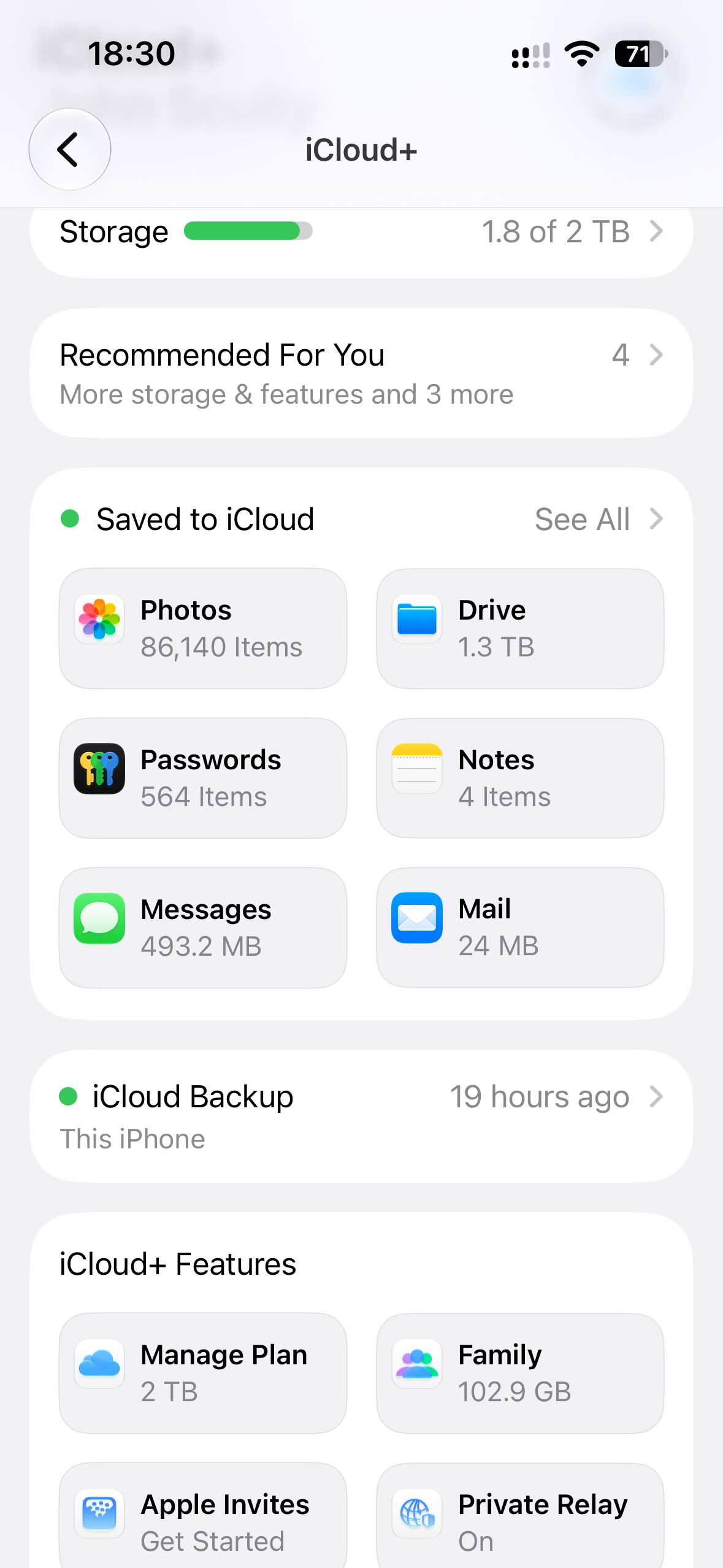
The top item shows you how much of your storage you have used, you may have used it all? And the photo item will show you hoe many photos you have stored in iCloud.
I’m out to dinner now and traveling tomorrow but I’ll try and take a look and see how you got on.
Roger, over and out 
2 Likes
Thanks Roger, good advice but after the ricket my aged brain made in another thread this evening I think it is time to shut it down for the moment and try to follow your advice over the weekend.
1 Like