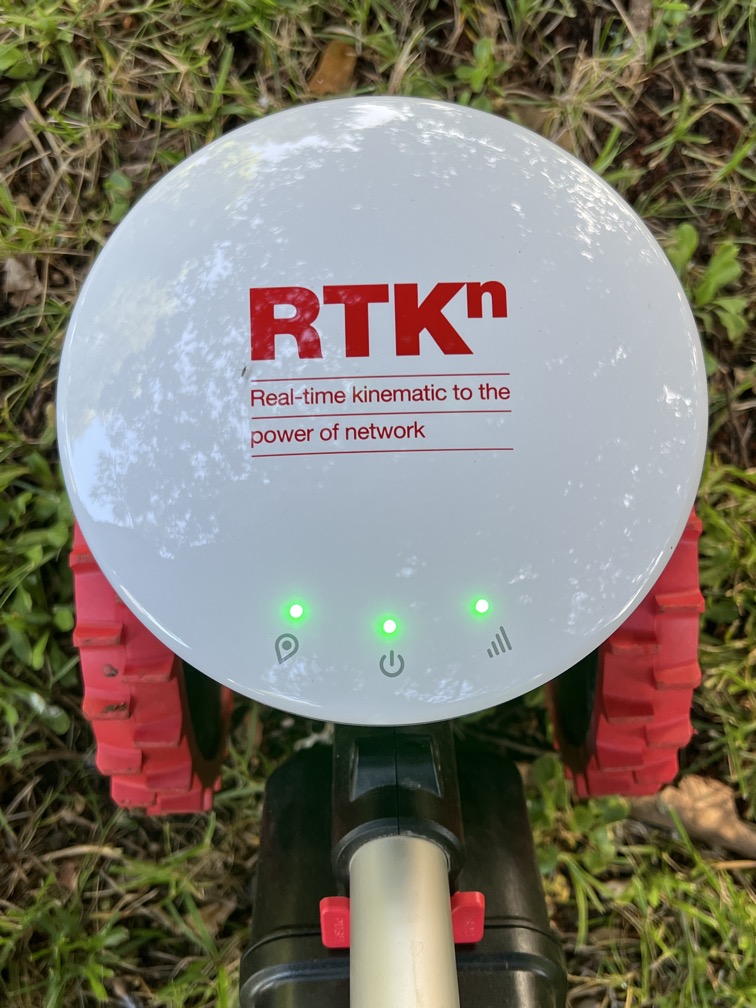
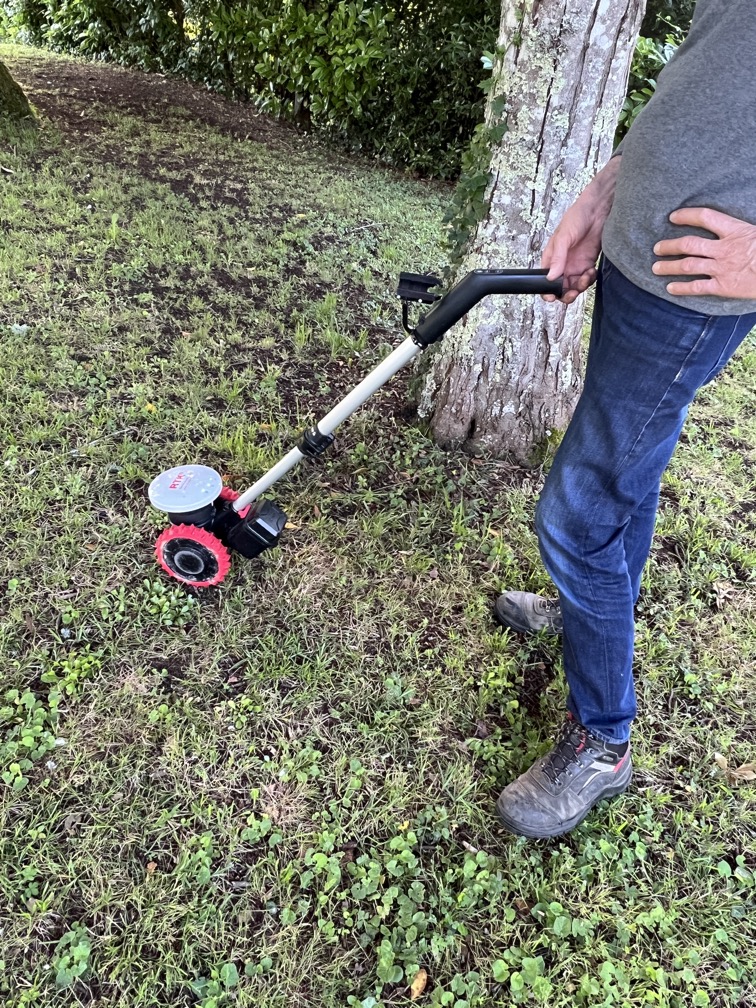
That is quite an understatement. Wi-Fi and Bluetooth are a mystery to me so I am gradually groping my way forward.
I would have thought exactly the same. I can communicate and navigate the robot with any Wi-Fi (I haven’t tested 4G yet) but at one point it insisted that I update firmware before allowing me to continue. On pressing “go”, it continued to give the message “Unable to connect”. I eventually spotted a random comment on YouTube that a 2.4 Ghz was compulsory. I switched my Wi-Fi to a 2.4 Ghz connection and hey presto it worked. Chat GPT also confirmed that a 2.4 Ghz was compulsory (but like Abraham Lincoln, I don’t believe all I read on the internet). There have been a couple of times since when I have had the message “unable to connect” and I resolved it by switching to 2.4 Ghz
Yes, I agree. I did it just for convenience and clarity. My other equipment connects to the Livebox via 5 Ghz (although I didn’t realise it at the time) so there was no conflict.
I appreciate your input HB. As you may have realised I don’t really know what I am doing in certain areas.
No I had to get the 1500 model. My “lawn” is 1460 sqr meters according to the Mammotion app!
The 800 uses the 5G data link to get the RTK correction to the robot. This means you need to get a 5G signal over the mowing area.
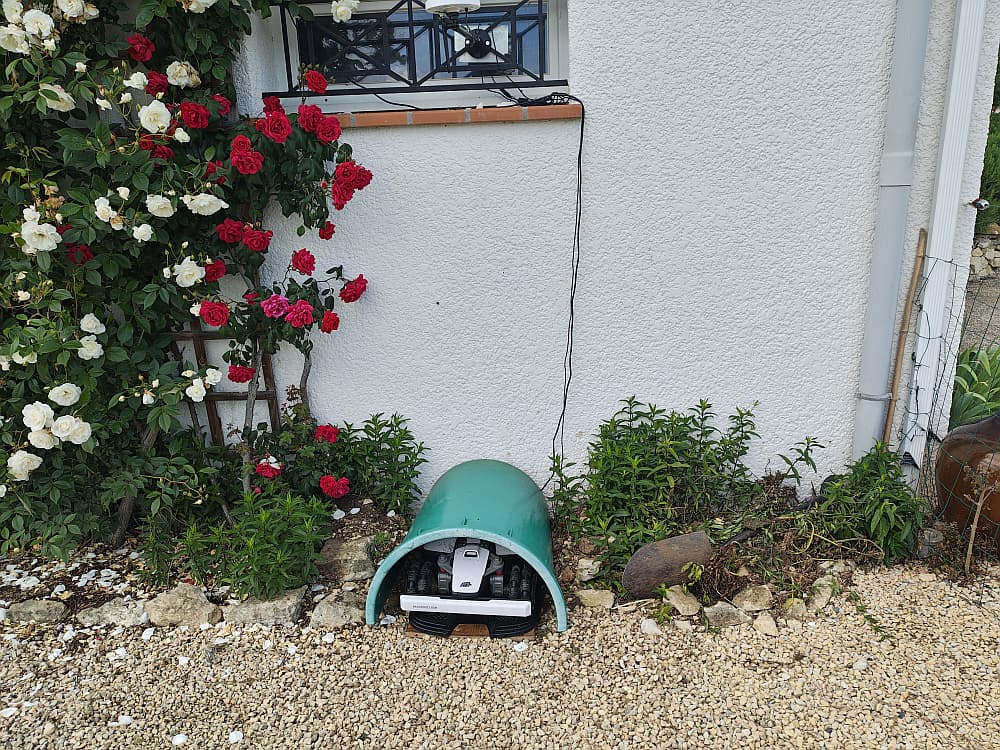
Noooo I did not pay €200 for a plastic garage! I repurposed an old water but that no longer held water.
Oh heavens! Thanks Mik, I’m glad you are going up this steep learning curve. OH tells me there’s one for 200€ in Lidl at the moment - Perhaps I should start there?
Love your “garage” and the roses (isn’t this a gorgeous time of the year )
As long as it is in the store you’re OK. If it is on line be careful. I bought some sécateurs from what I thought was Lidl. It turned out to be a con. Not a huge loss but great inconvenience changing bank card etc.
Not sure what you mean by this. Your Livebox supports 2.4G and 5G simultaneously. Or do you mean you selected the 2.4G Livebox connection in the mower settings ? Doing that sounds sensible as like you said earlier, range is better.
I was reading a post on a robot mower site (the things you do to keep up with modern gardening! ) where someone’s robot was crossing his driveway from one lawn to another and someone reversed into it while trying to turn round.
This is what happened. When my firmware would not update, I went into settings on my phone and saw I was using my router Wi-Fi and it said it was using a 5Ghz signal (at this stage I did not know it was sending both frequencies simultaneously).
I selected my live box Wi-Fi (which is a long distance from my location) and it announced a 2.4 GHz signal. This worked. At a later date I could not connect, I went into settings and, although it still said Livebox, it said the frequency was 5 GHz. That is when I discovered it sent out both signals simultaneously. The problem was I did not know how to make it use the 2.4 GHz signal instead of the 5 GHz. When I logged into the Livebox settings it showed that both frequencies had the SSID “Livebox”. I changed the 2.4GHz setting to “Luba”. Now I can choose which of the two frequencies to use.
This may be a cack handed way of achieving what I think I want but I would be happy to be pointed in the right direction if I am wrong. I do appreciate your interest.
Ah, I see. Your phone was using 5GHz Livebox Wifi automatically, overriding your selection of the 2.4GHz. You can fix that quite easily. You may be using an iThing (R) which I don’t but on Android in the Wifi settings is a list of hotspots you’ve previously connected to in ‘saved networks’. Go into this and youll find your 5GHz Livebox SSID. Select it and click ‘Forget’. It’s common to have the same SSID for both frequencies but if you ‘forget’ one of them it won’t automatically use it.
Edit: Just looked and if your SSID and passphrase are the same for 2.4 and 5 GHz you cant make it forget one of them, so you did the right thing to change the SSID of 2.4GHz

 )