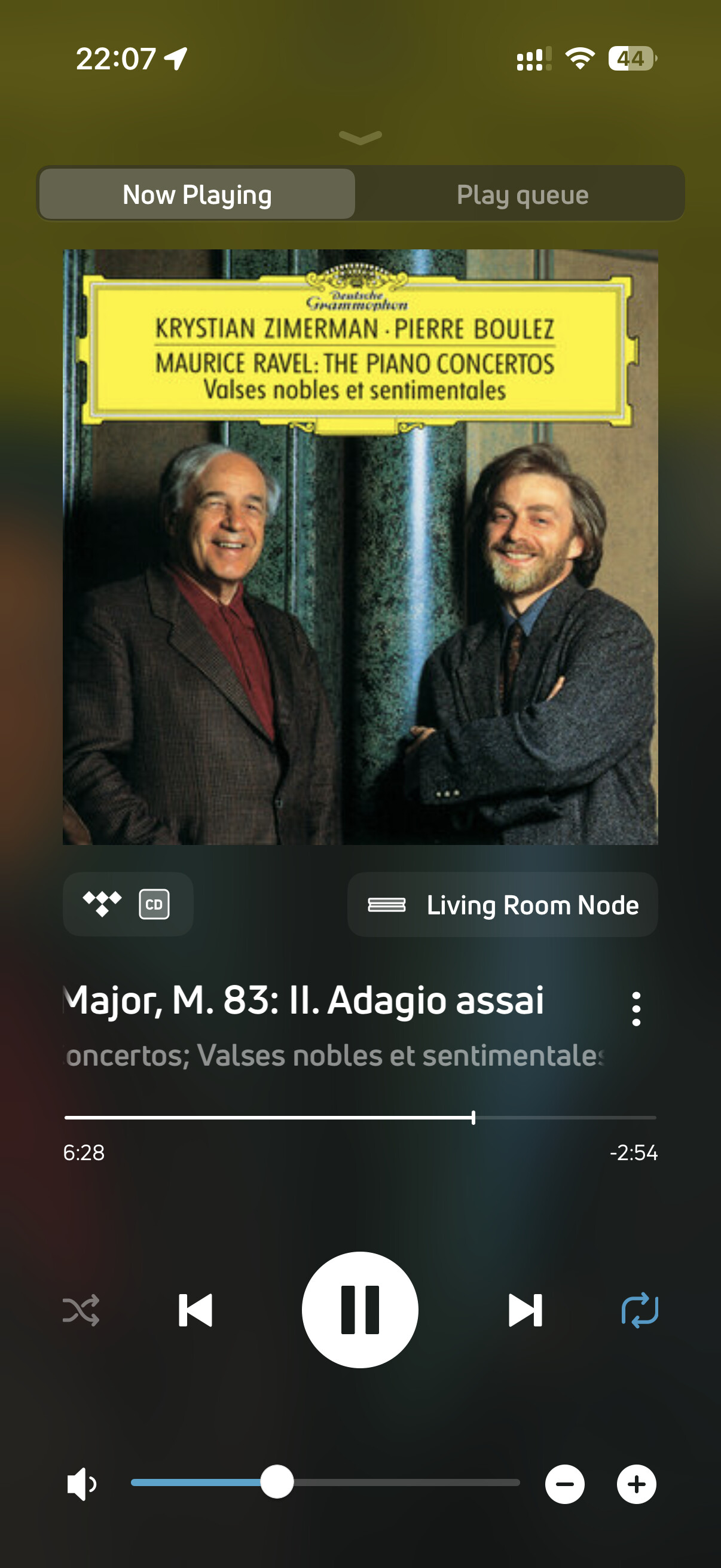
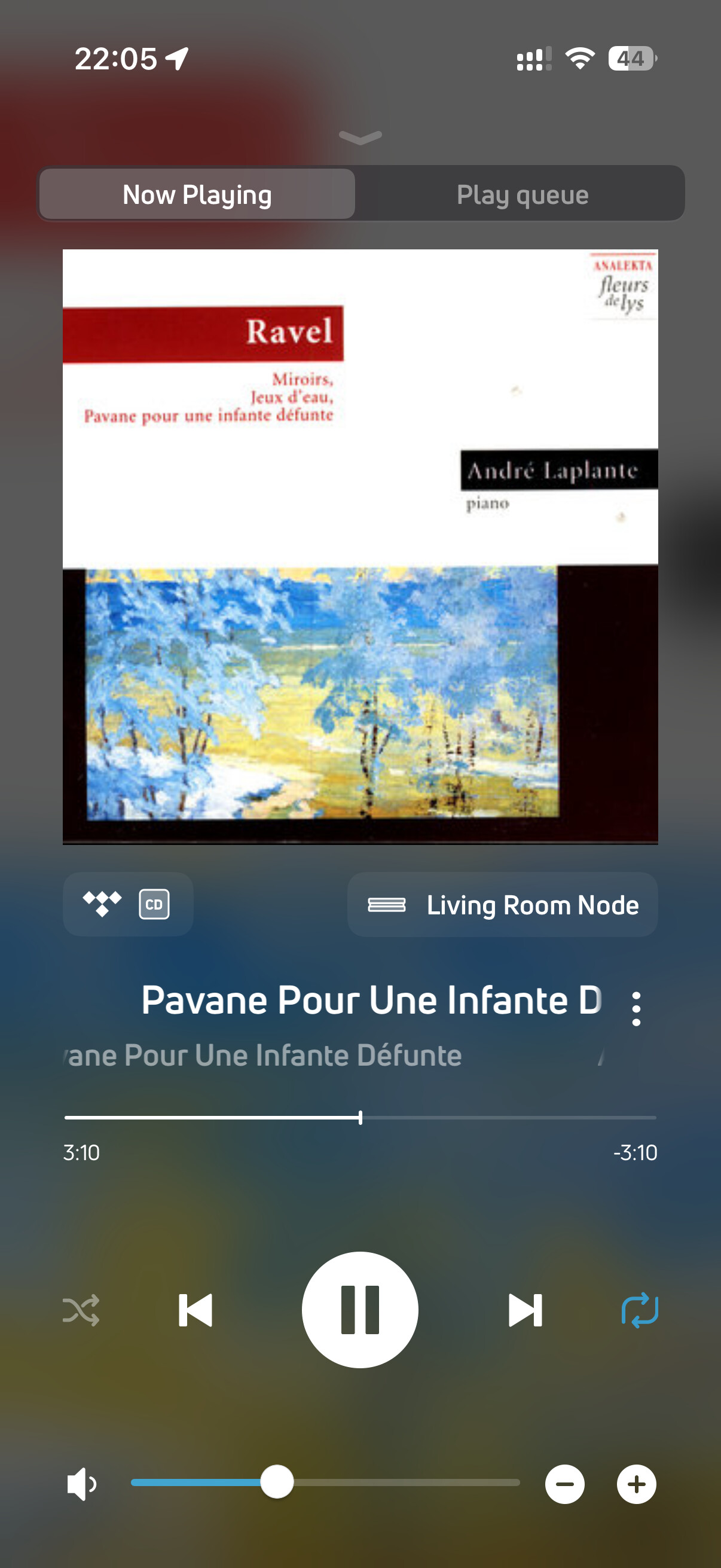
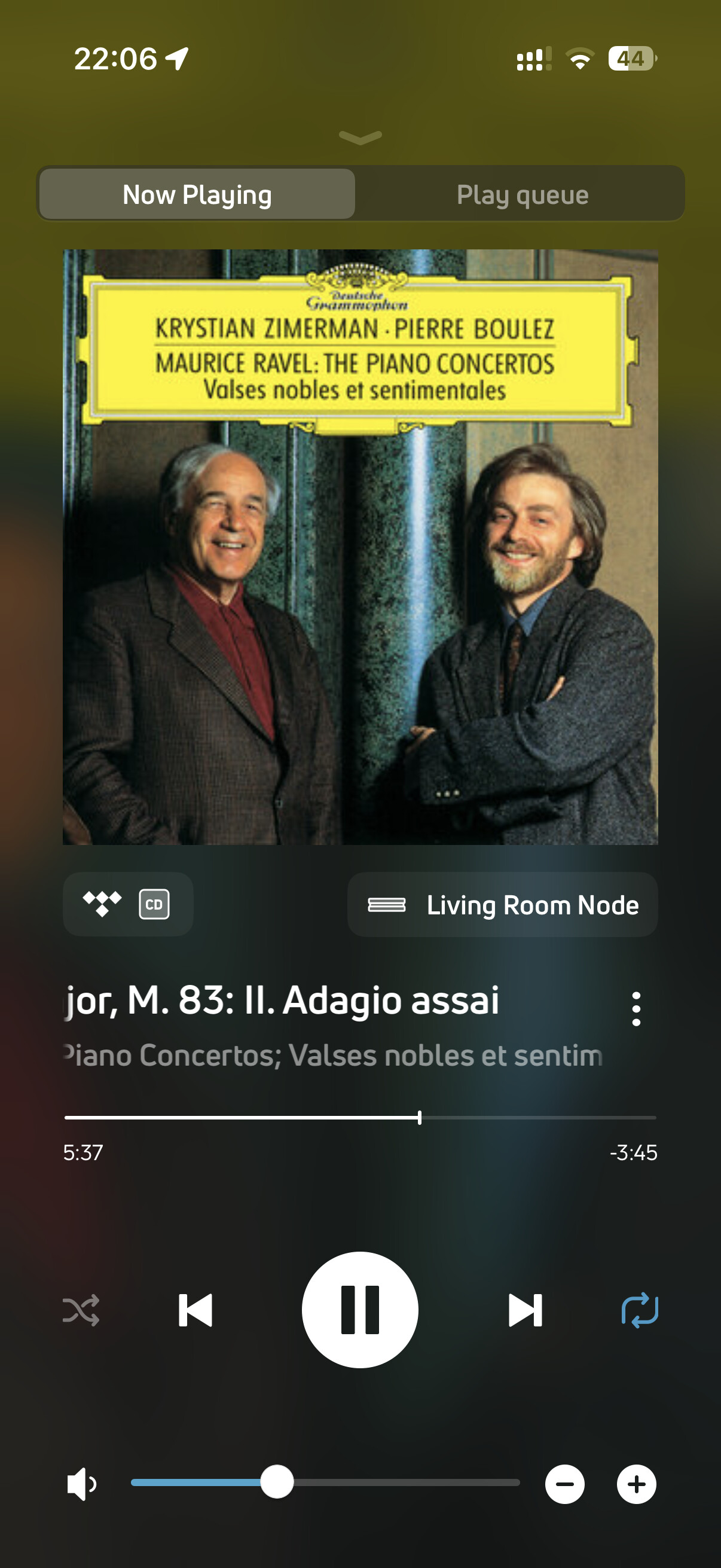
I listen to music mostly on a Bluesound Node. The streaming service is Tidal.
For almost every genre it’s fine, but not infrequently with classical music I get passages of nasty distortion. I’d hoped to attach a recording (made on the phone) but couldn’t .The distortion sounds like crackly white noise.
If anyone has any suggestion as to what the problem is, or where I might look to resolve it (I’ve already looked on Bluesound), I’d be grateful.
Just tested all tracks through both a Bluesound Vault2i and an Eversolo DMP-A8; there was no distortion. I did however use Qobuz as a source, I do not have a Tidal account.
I suggest it is either a Tidal issue or something specific to your Bluesound Node.
I think your Tidal is coming unRavelled. Or the wheels are coming off the Debussy…
I don’t use streaming services myself but the hifi forums seem to suggest that distortion can be caused by a mismatch between the streaming service’s software and the settings for the processor in the streaming device.
So it might be worth tinkering to see if your Bluesound has some processor settings that might affect it.
The closest thing I’ve had to your experience was when I connected my M2 Mac Mini to my Audalytic AH-90 DAC via a Focusrite audio interface box to play music from iTunes, and had some issues with garbled sound if I set the audio sample rate too high in the Mac’s settings.
So a bit of trial and error in that regard might help?
Set the tone controls like @JohnH ’s, but I think what must have made the difference (because it’s fine now) was disabling Replay-gain, which John had done as well.

 Or the wheels are coming off the Debussy…